Enforced focus. Enforced breaks.
Distractions stay blocked while you work. They unlock when it is time to stop. Every session ends on work, never on a break.
 FlowShizz
THE FOCUS APP THAT DOES LESS.
Block distracting apps and websites. Set the time. Get on with what matters.
set it. get on with it.
See how it works ↓not just another website blocker.
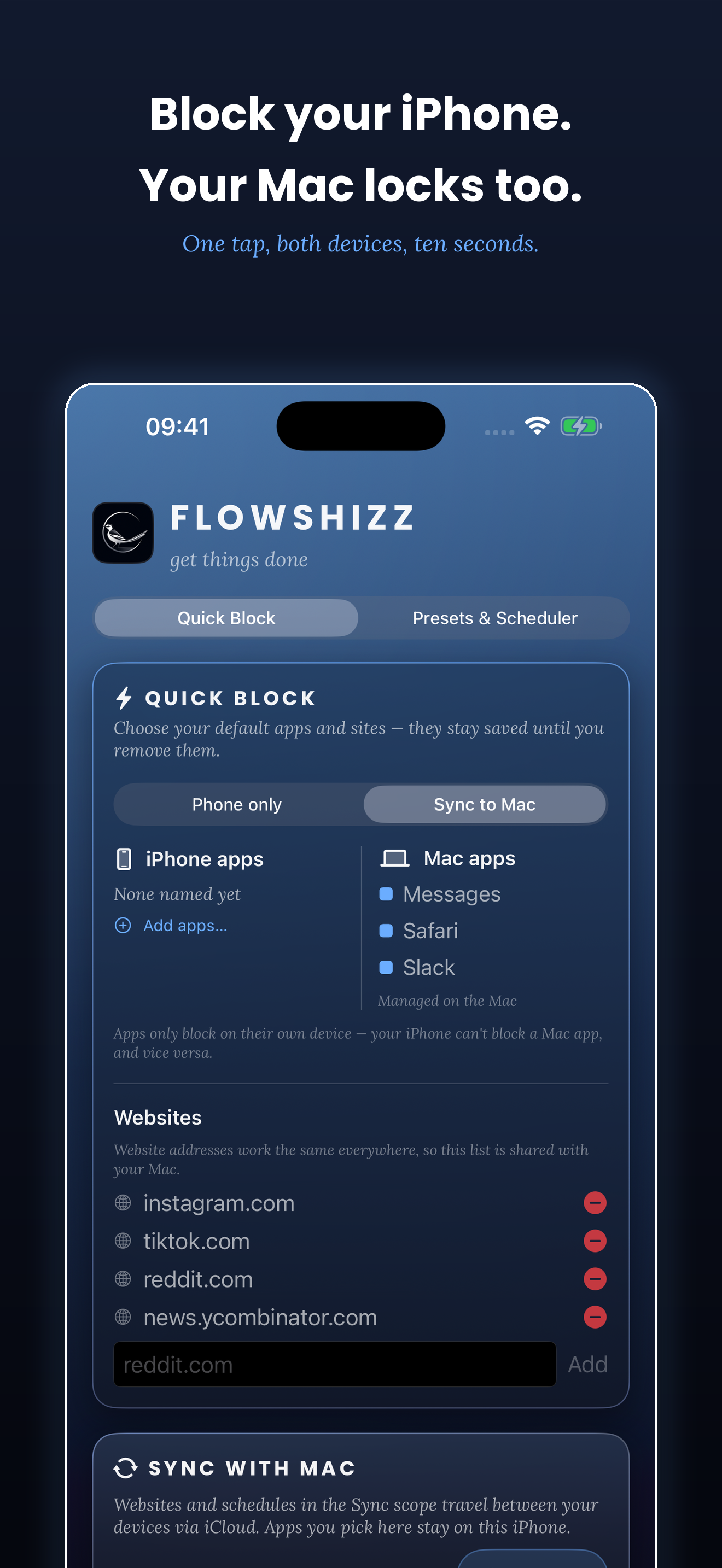
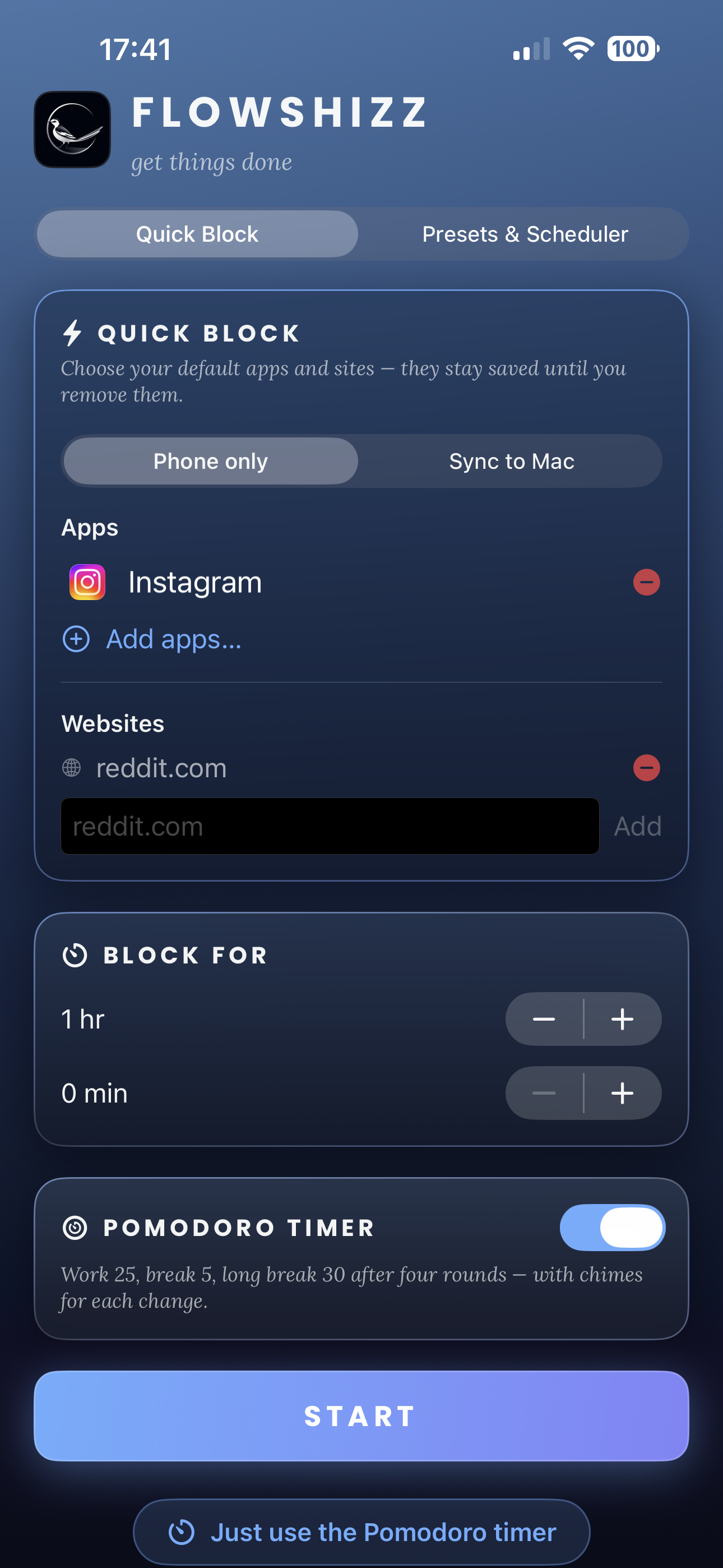
Most blockers stop at websites. FlowShizz shuts out Instagram, TikTok, games, whatever your weakness is — alongside any website you name.
NEW / POMODORO BLOCK · FLOWSHIZZ PRO
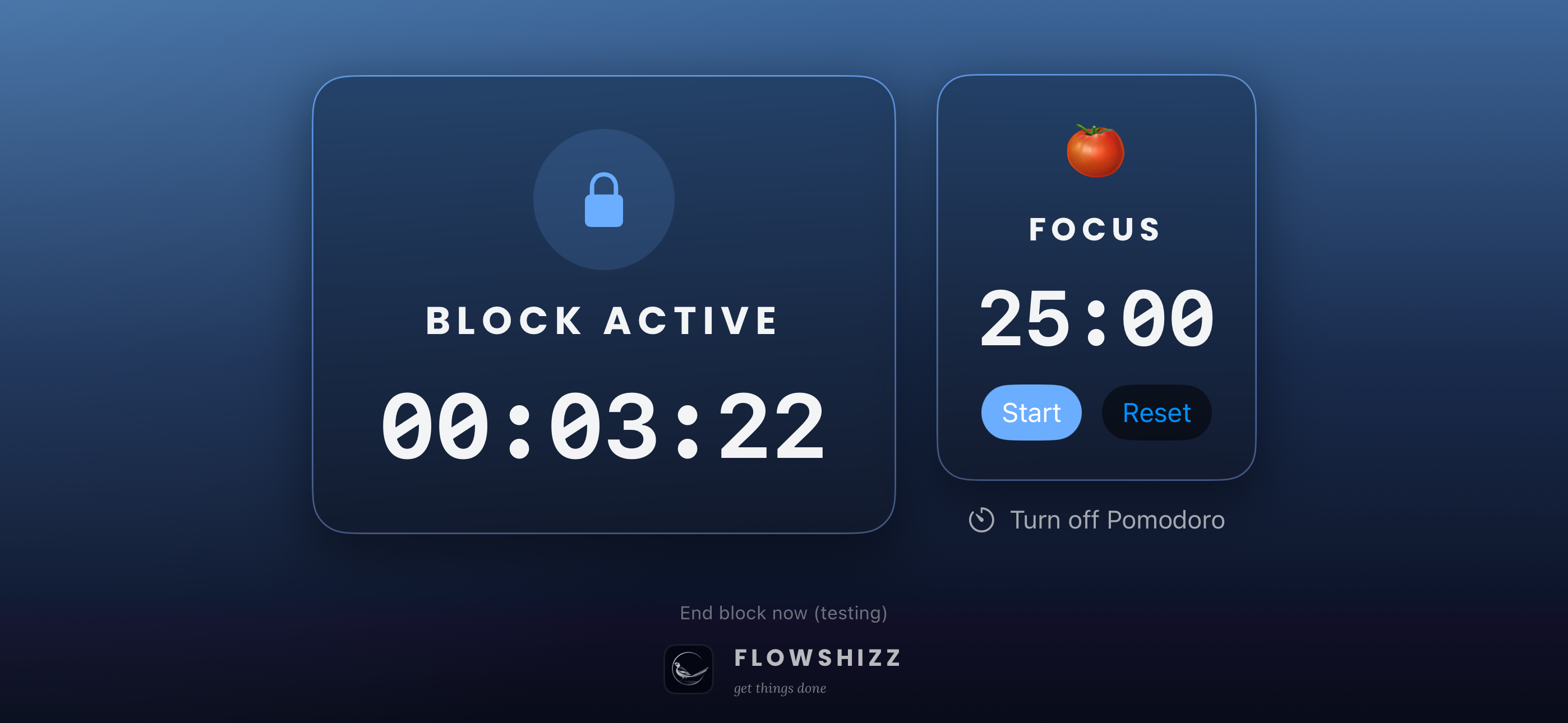
Your chosen apps and websites block during every focus stretch and unlock during breaks. Then the break ends — whether you like it or not.
See how Pomodoro Block works →Distractions stay blocked while you work. They unlock when it is time to stop. Every session ends on work, never on a break.
Real system alarms chime through Silent and Focus modes. The Lock Screen and Dynamic Island show the countdown and which stretch you are on.
Use it alongside Quick Block, Schedules & Presets, and Mac + iPhone sync.
Also new: a refreshed home screen on both apps and more reliable schedule and preset sync between Mac and iPhone. iPhone 1.0.7 requires iOS 26; older devices keep 1.0.4.
streaks. gems. badges. guilt.
Some productivity apps give you another system to maintain. FlowShizz simply removes the distraction.
01 / HOW IT WORKS
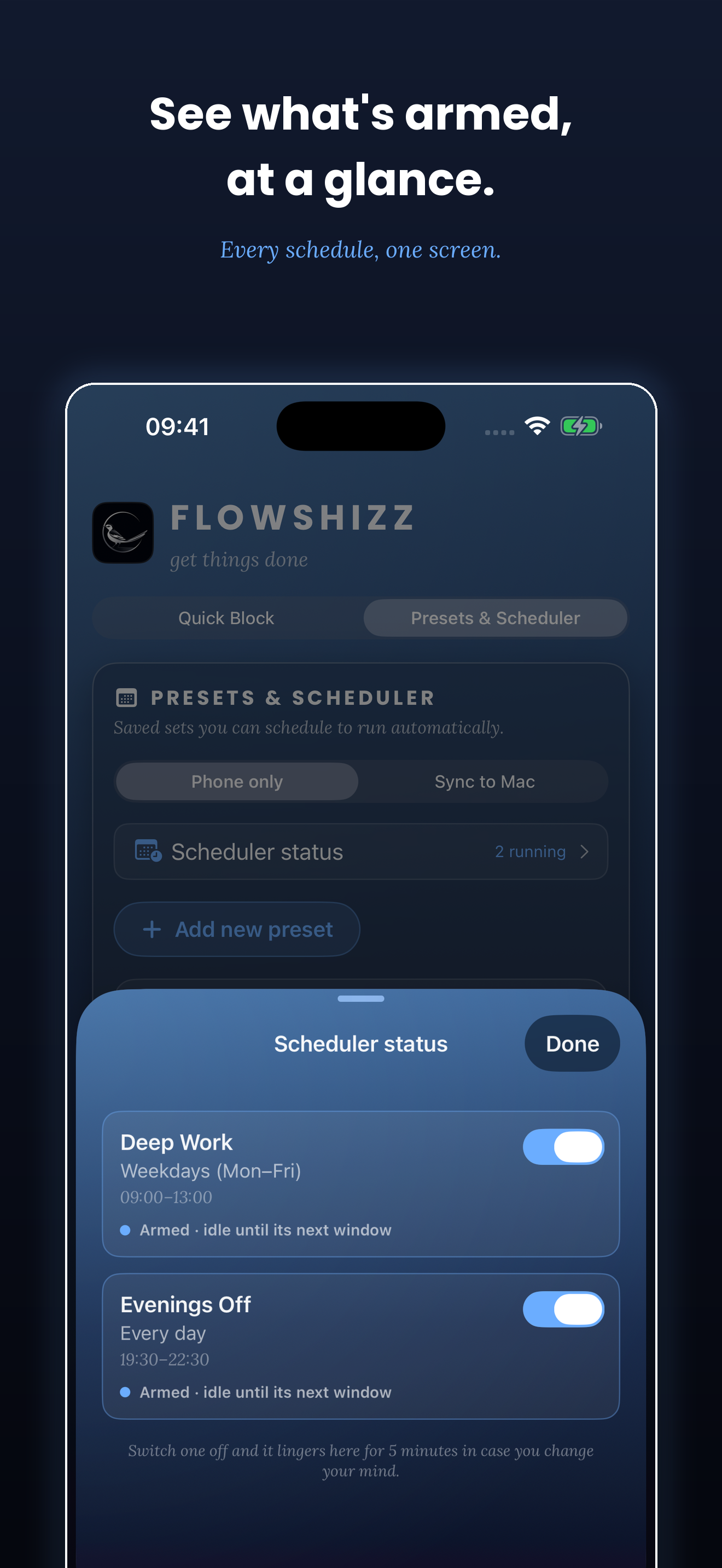
Schedule your blocks with the app or do it right away. Choose what gets blocked, choose when, then FlowShizz handles the rest.
focus that fits real life.
Need to focus now? Choose the apps and websites, pick how long, then tap start.
Save a block once, then reuse it whenever it’s time to write, study, edit or make.
Tell FlowShizz which preset to run, on which days, and at what time. It starts automatically.
A LOOK INSIDE
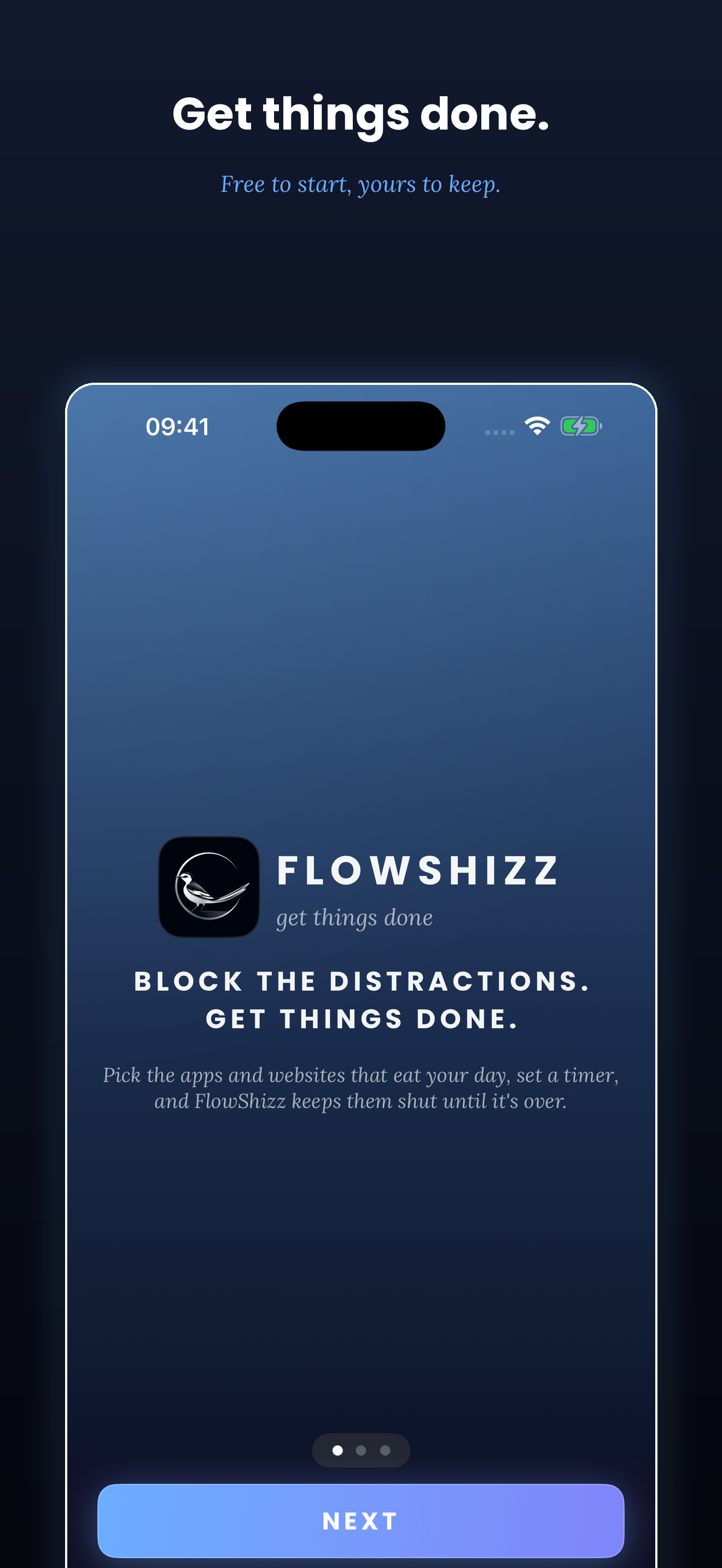
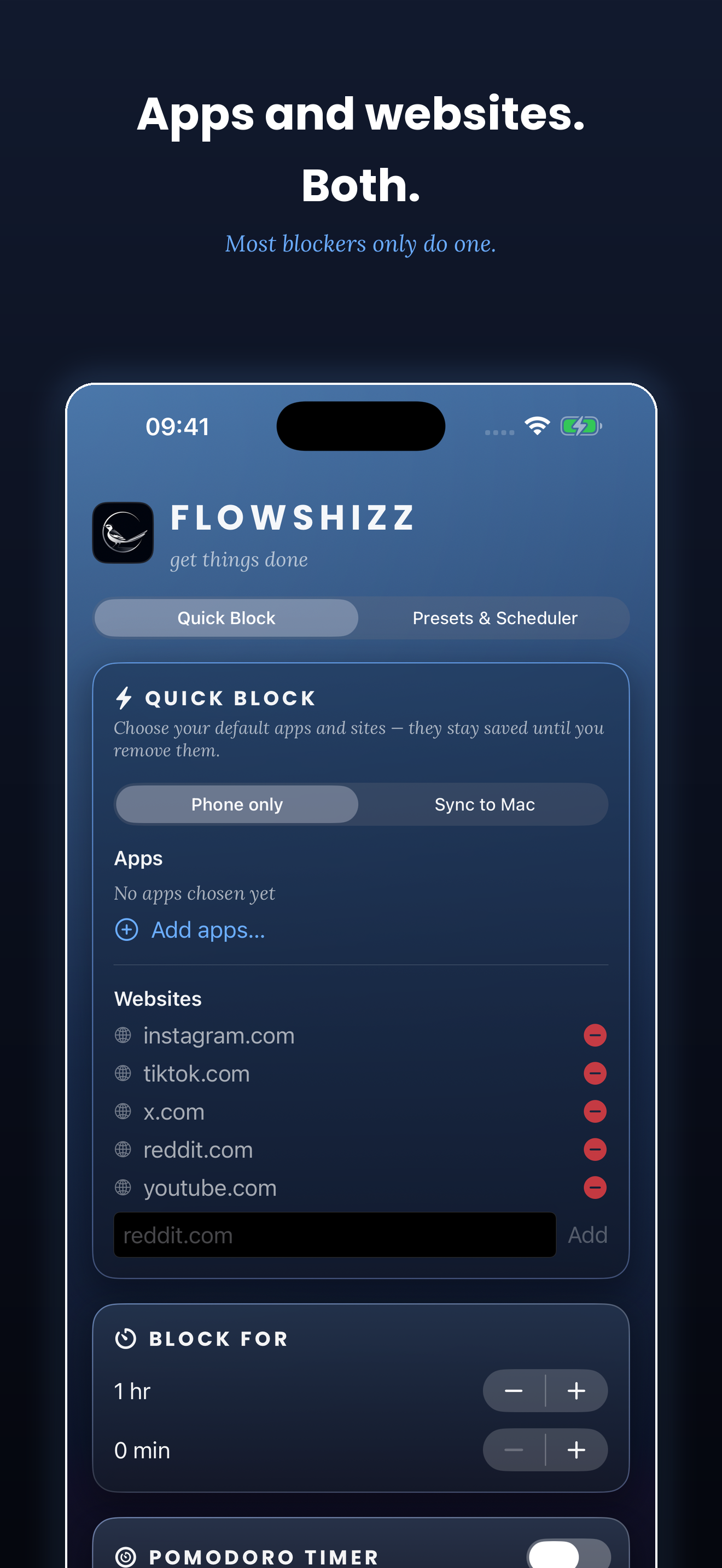
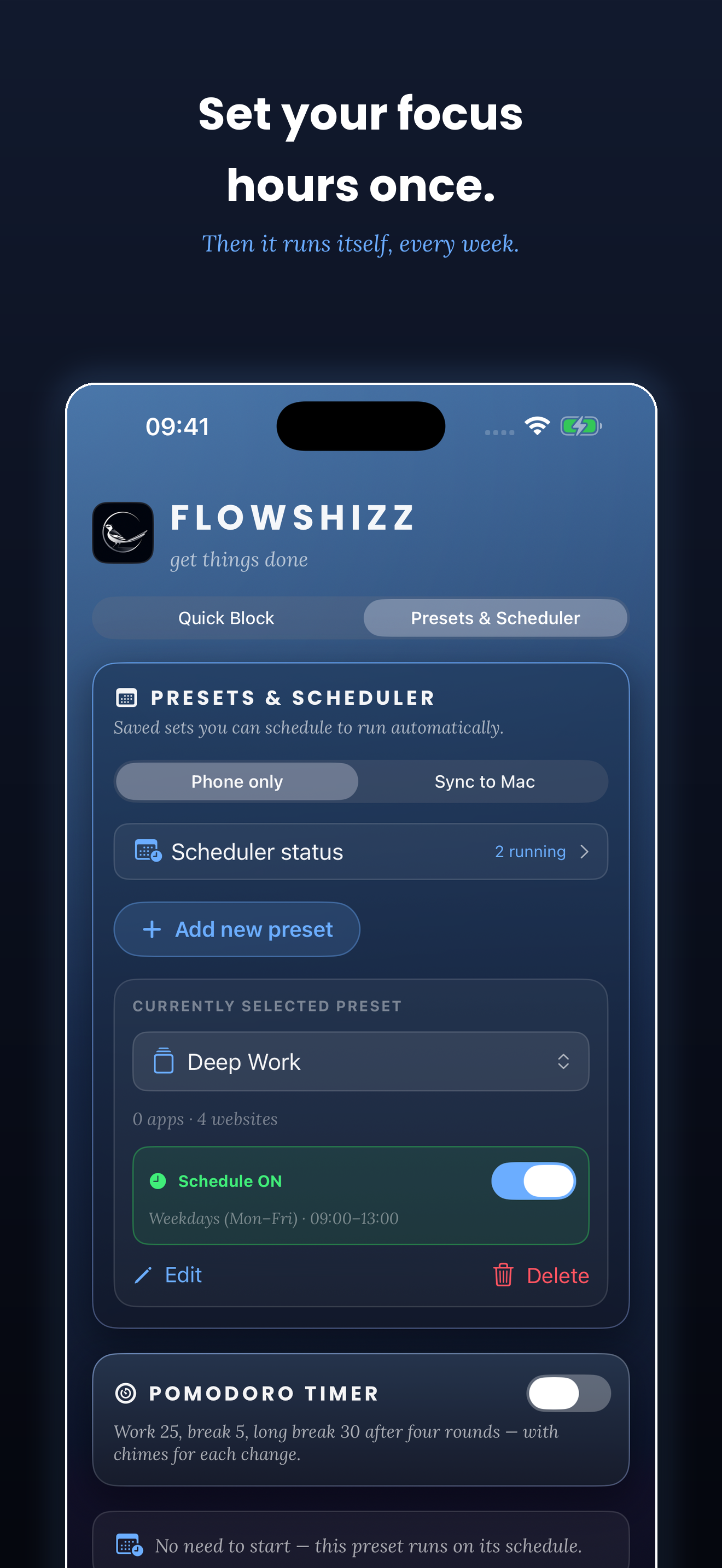
Swipe to see more →
NO EARLY STOP
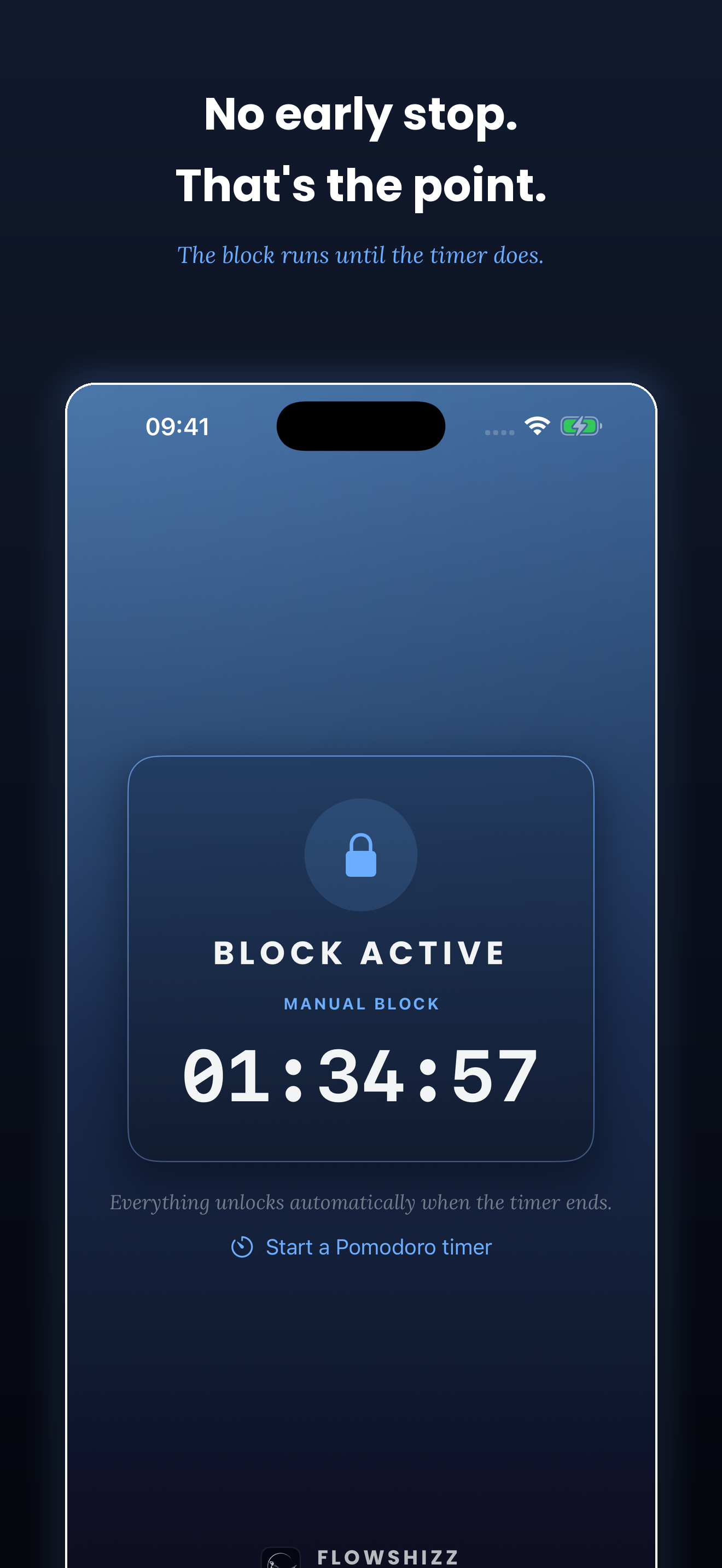
Once a block starts, it runs to the end. Quitting the app won’t lift it.
This is deliberate. It’s the difference between a reminder and an actual block.
pick your duration honestly.
no points. no punishment. no performance.
FlowShizz doesn’t ask you to stay motivated, protect a streak or keep checking another dashboard. It blocks the distraction so you can concentrate on the work.
×Streaks and rewards
×Repeated check-ins
×Motivation systems
×Allow you to break the block too easily
✓Choose what to block
✓Choose when
✓Lock it
✓Crack on
02 / MADE FOR MAKING
whatever needs the whole of you.
Protect the difficult paragraph from every notification, feed and open tab.
Stay with the idea long enough to turn it into something real.
Keep the debugging session intact without repeatedly context-switching.
Finish the timeline without disappearing into messages and social feeds.
Create a revision window that cannot become a scrolling session.
Block the small pulls and protect one meaningful work session at a time.
Keep home distractions out of work hours — without needing office supervision.
Follow the pattern, finish the piece and leave the endless scroll outside the workspace.
Stay inside the visual idea instead of hopping between messages, feeds and references.
for people who make things.
and anyone tired of starting again.
03 / THE POINT
Your websites, presets and schedules stay in step across iPhone and Mac.
Blocked across Mac, iPhone and iPad.
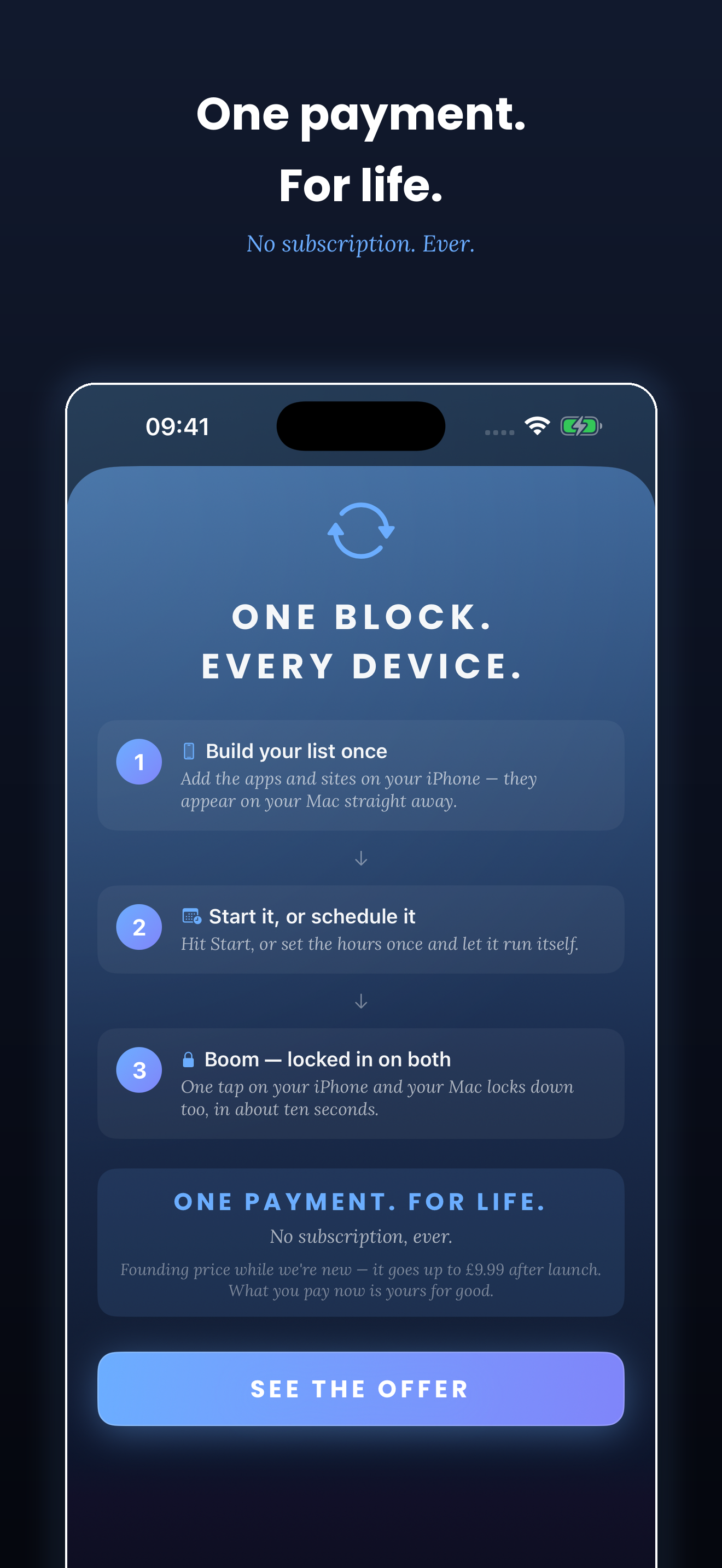
Start a block on one device and the other locks down within seconds. Schedules run on both, so your focus hours follow you.
pay once. focus for good.
Other focus apps charge you every month forever. FlowShizz doesn’t.
MAC + IPHONE + IPAD
The apps are completely free. Use any one of them on its own.
FLOWSHIZZ PRO
FOUNDING PRICE · £9.99 AFTER LAUNCH
One payment unlocks Pomodoro Block and syncing between your devices. Whatever you pay, it’s yours for life.
FREE 14-DAY PRO TRIAL.VERSION1.26
PRICEFree
REQUIRESmacOS 13 Ventura or later
WORKS ONApple silicon & Intel
DOWNLOAD5.8 MB
SECURITYNotarised by Apple
FlowShizz will ask permission the first time it blocks something.
Signed and notarised by Apple, so macOS installs it without warnings. Updates arrive automatically — FlowShizz checks for them itself.
PRIVACY
FlowShizz collects no personal data.
The apps have no accounts, tracking or analytics. The website keeps one anonymous total of Mac download button clicks — nothing else.
Blocking uses Apple’s Screen Time, so no usage data leaves your device. Pro syncs through your own private iCloud, which nobody — including us — can read.
FlowShizz
get over that hump.
04 / FAQ
No. Deliberately. Once a block starts, it runs to the end. Quitting FlowShizz won’t lift it. Pick your duration honestly.
Both. Block Instagram, TikTok, games or any other app alongside every website you name.
No. The iPhone app works perfectly well on its own. The Mac app is free and entirely optional.
No. One payment unlocks Pro for life. No subscription. Ever.
Pro adds Pomodoro Block and keeps your websites, presets, schedules and active blocks in step across your devices. It includes a free 14-day trial.
Yes. FlowShizz works on iPhone, iPad and Mac.
No personal data. The apps have no accounts, tracking or analytics. The website keeps one anonymous total of Mac download button clicks. No identities or IP addresses are stored.